01
Open
Choose a LaTeX project on your computer.
 LocalLeaf
Open a LaTeX project. Start sharing. Approve browser guests. Compile the PDF right where the source lives.

Hosting stays with the person who opened the project.
01
Choose a LaTeX project on your computer.
02
Start a room from the desktop app.
03
Share one temporary link.
04
Guests wait at the door until you let them in.
05
The host builds the PDF locally.
Current LocalLeaf / captured from the working product
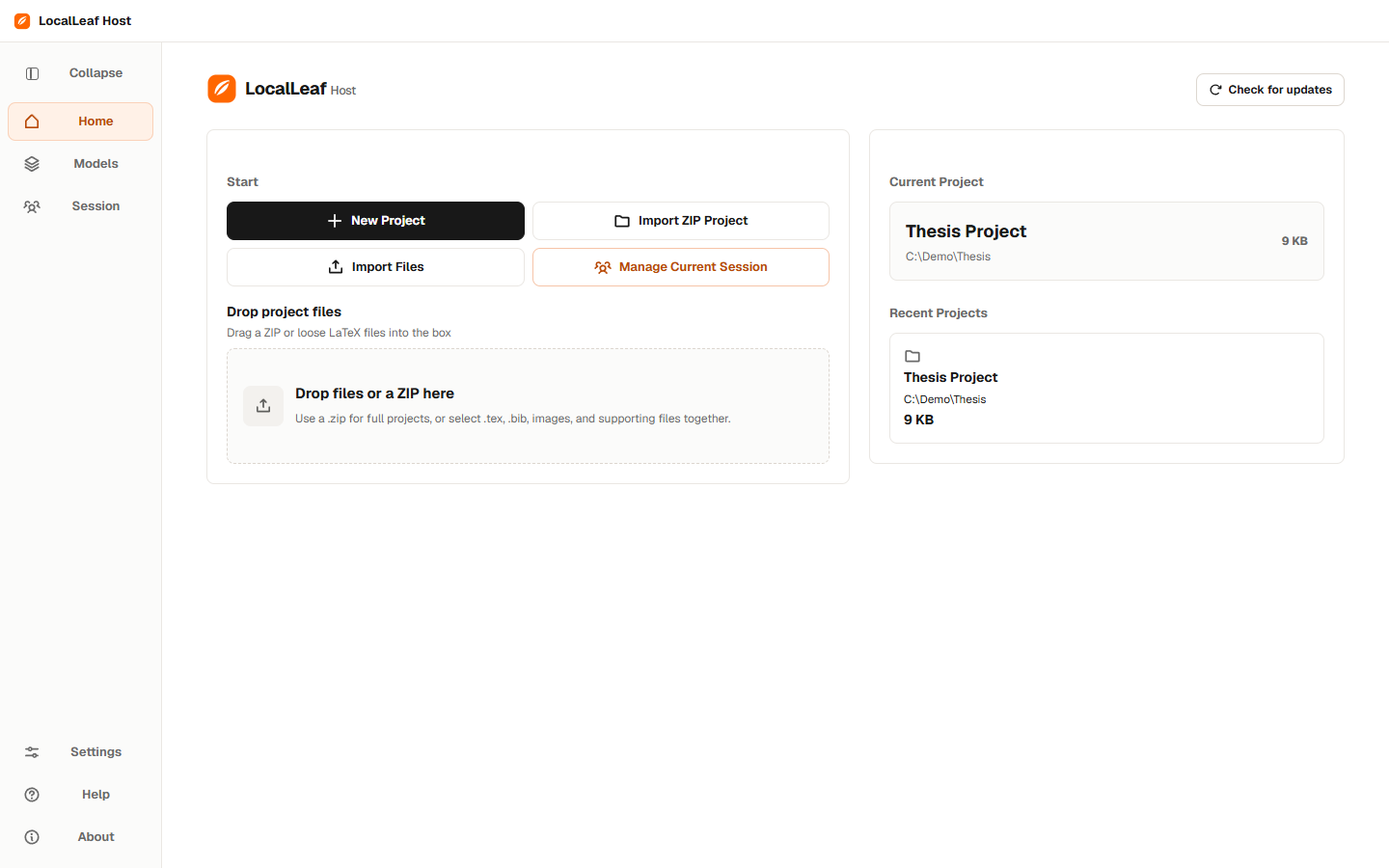
Choose the project that already lives on your machine.
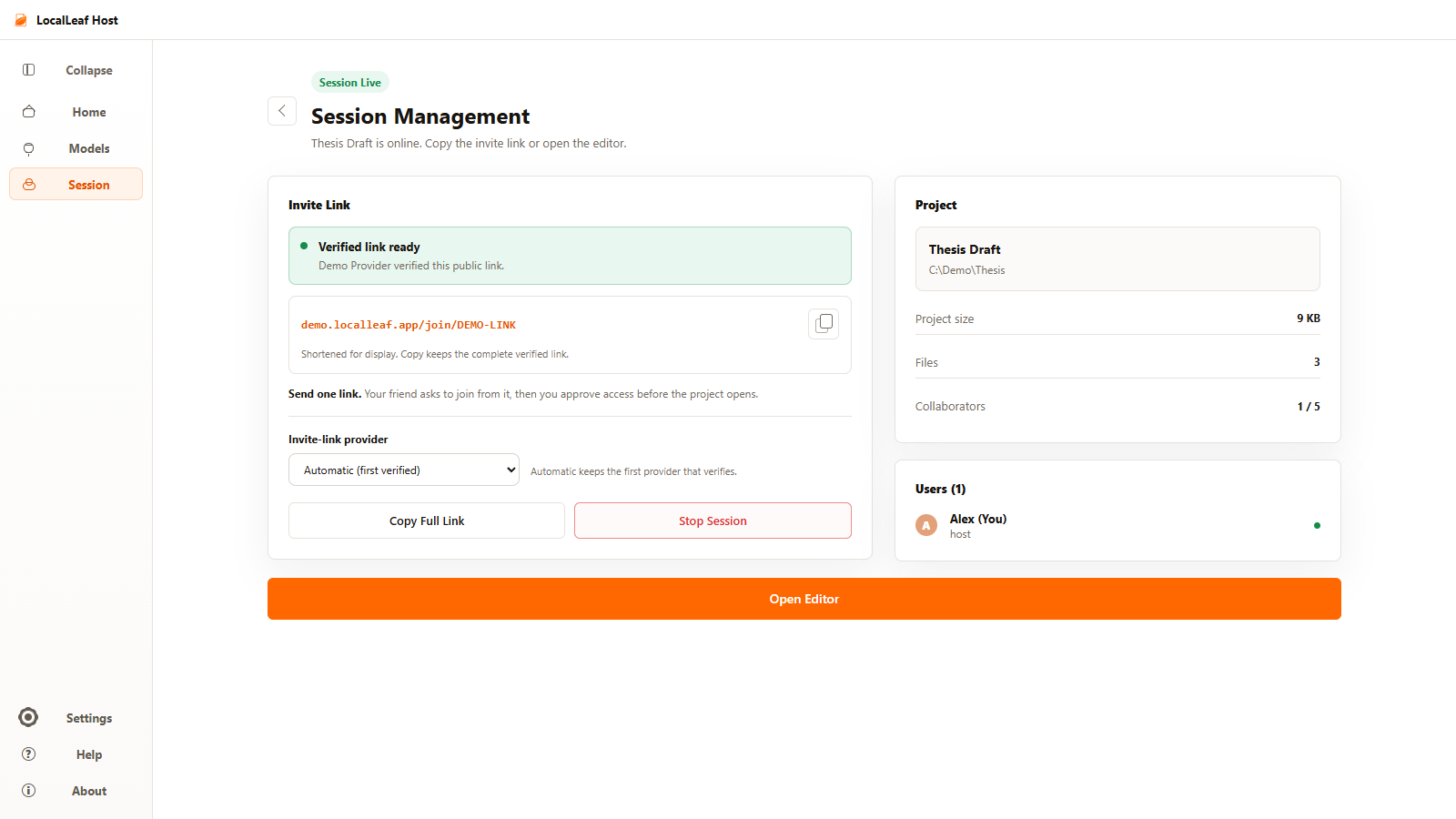
One verified link. The host still keeps the door.
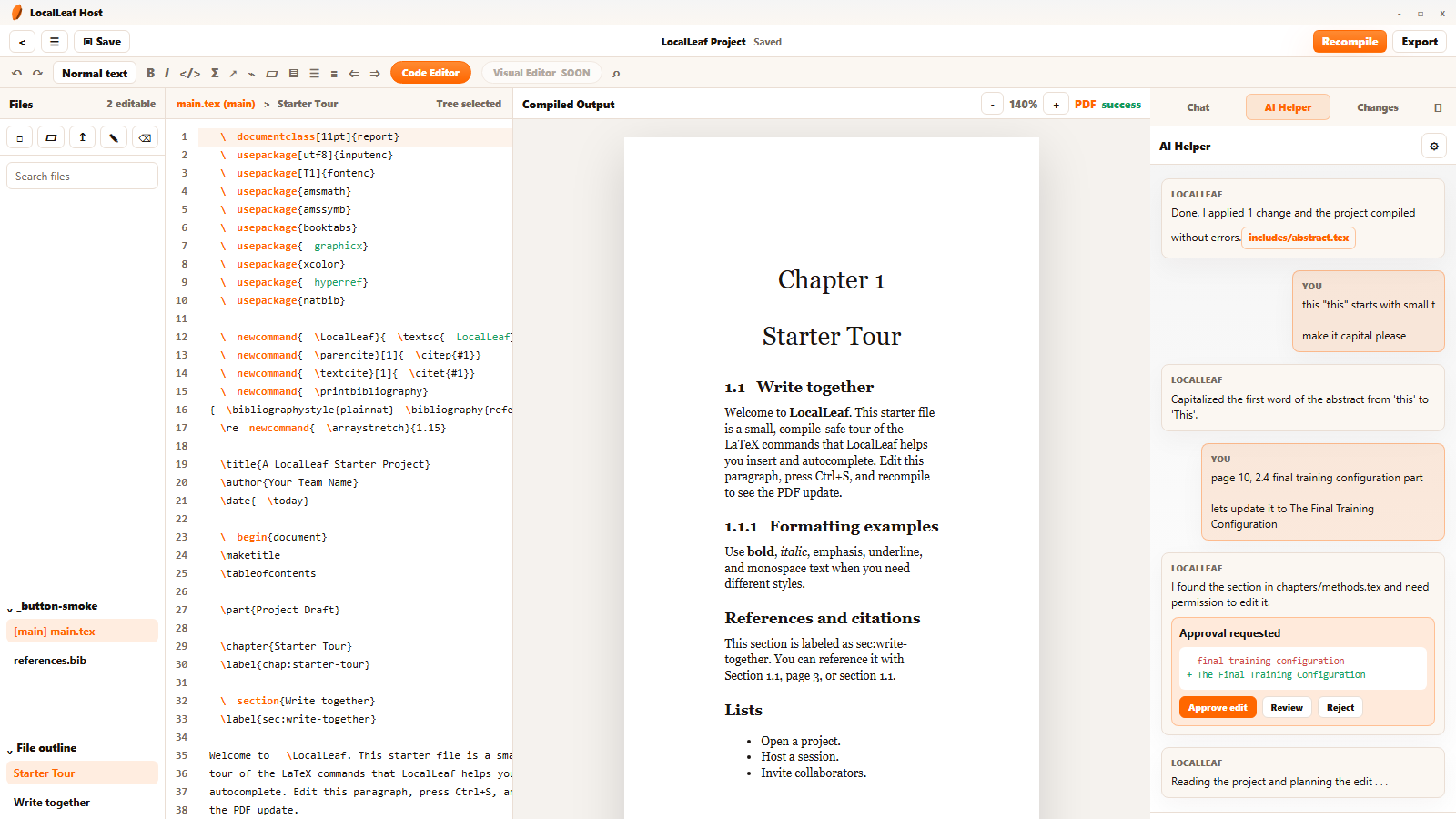
Source, compiled output, collaborators, and approved AI edits in one room.
LocalLeaf turns one computer into a focused LaTeX room.

The project stays with the host.
Guests enter through one temporary link.
Every PDF is compiled by the host.