Host
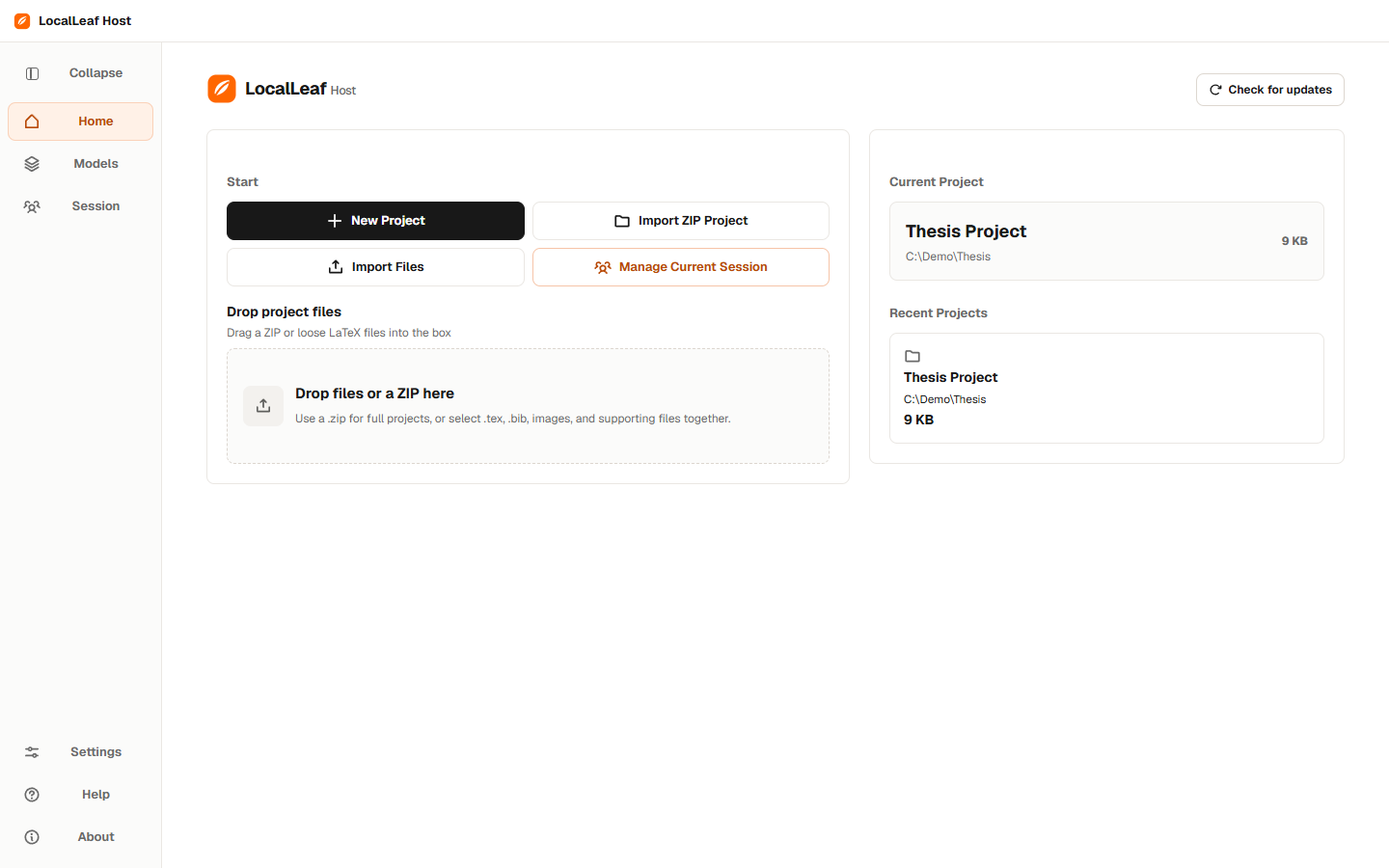
Open a LaTeX folder or ZIP in LocalLeaf. The working project and compiler run on this computer.
 LocalLeaf
Host a LaTeX project, invite your people, and compile from your own computer.
Write, invite, approve, compile.
The host opens the door. Everyone else gets a browser and a place in the draft.
Open a LaTeX folder or ZIP in LocalLeaf. The working project and compiler run on this computer.
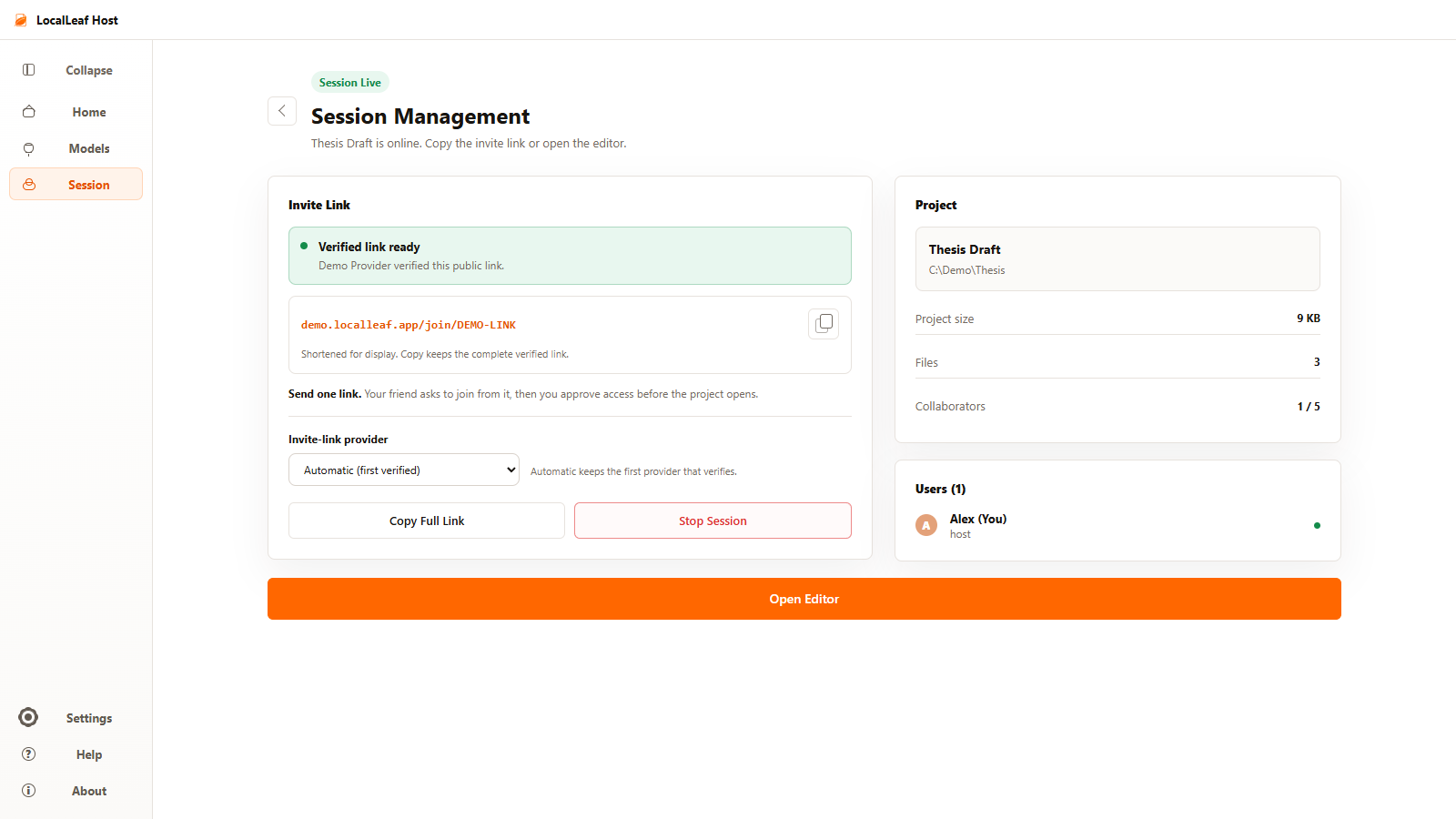
Create one temporary link and send it to the people joining your session.
Guests request access in a browser. The host decides who enters before the project opens.

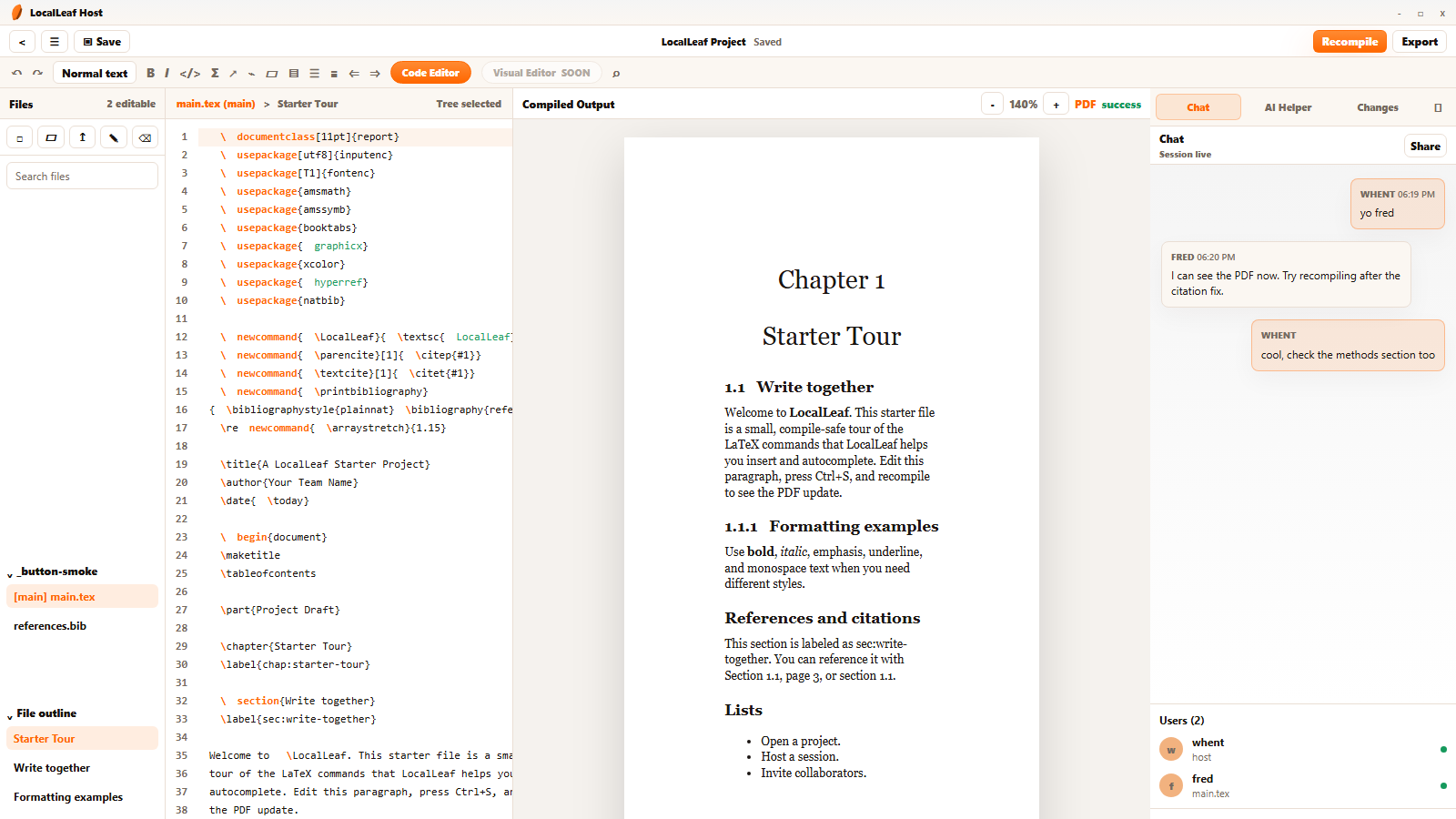
Edit together, keep human chat beside the source, and preview each PDF the host compiles.
Source on the left. PDF in the center. People and helper tools on the right. The host remains in control.
LocalLeaf keeps the working project, sharing controls, and LaTeX compiler with the host app.
GuestsJoin in a browser after approval.
SessionUses one temporary link at a time.
CompileRuns on the host computer.
Four practical answers for the person hosting the paper.
No. Approved guests join the live session through a browser.
The LaTeX compile runs on the host computer, then the current PDF is shown to the room.
It is a temporary session link. Stopping or replacing the session invalidates the old link.
LocalLeaf provides Windows and macOS host builds. Guests still use their browser.