
01/ Host
One room for LaTeX powered by you.
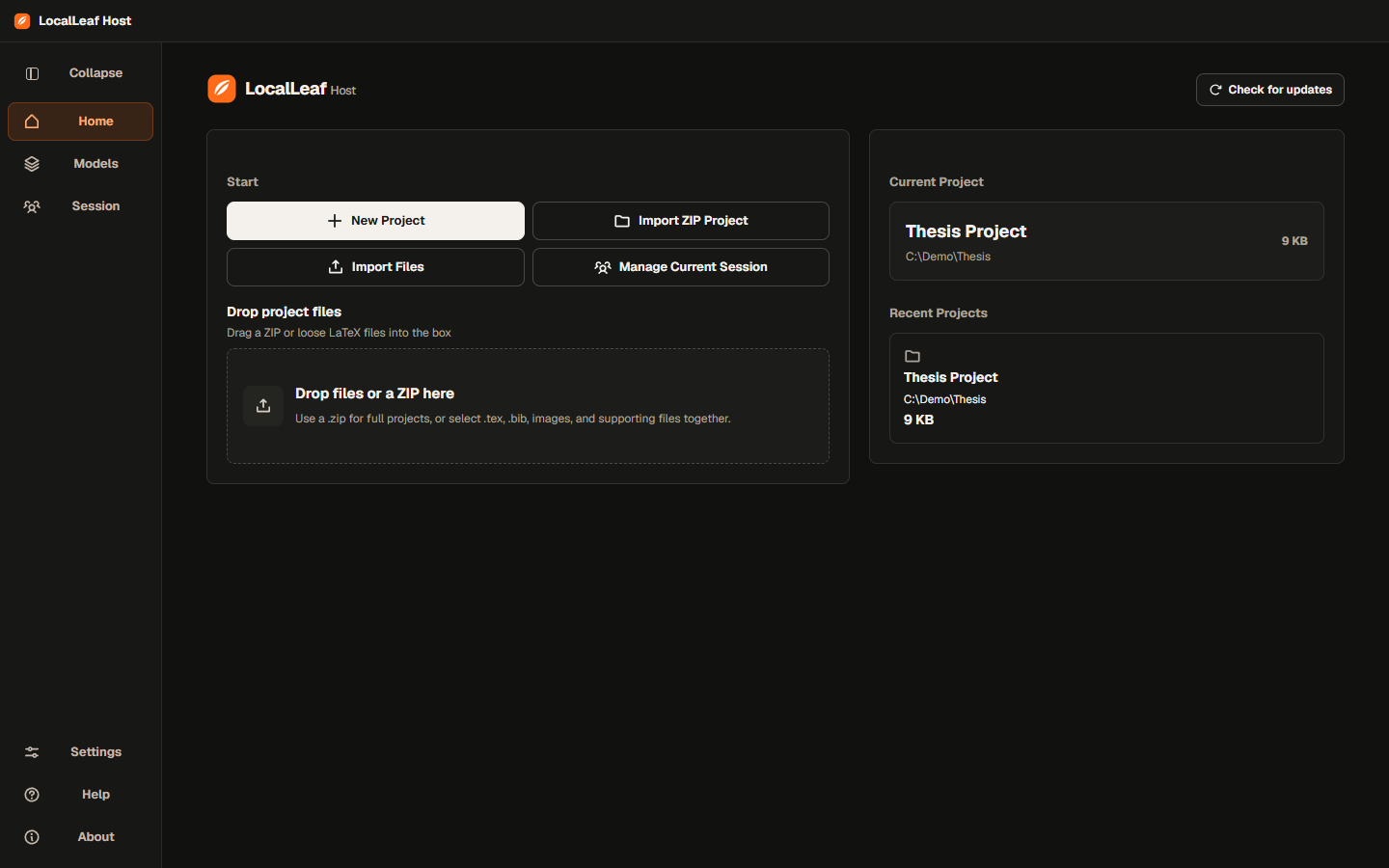
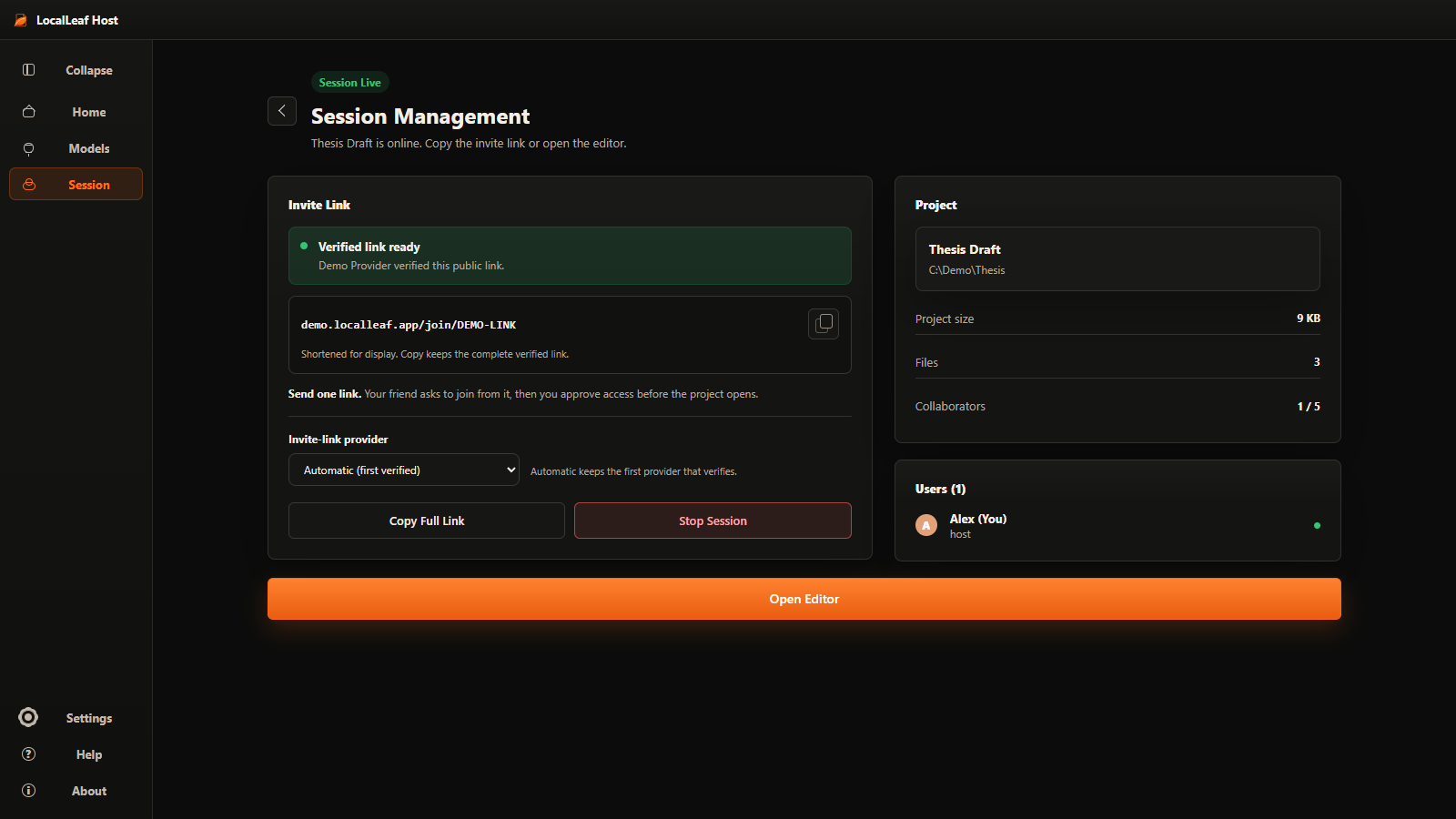
Host the project. Share one temporary link. Approve browser guests. Compile on your machine.
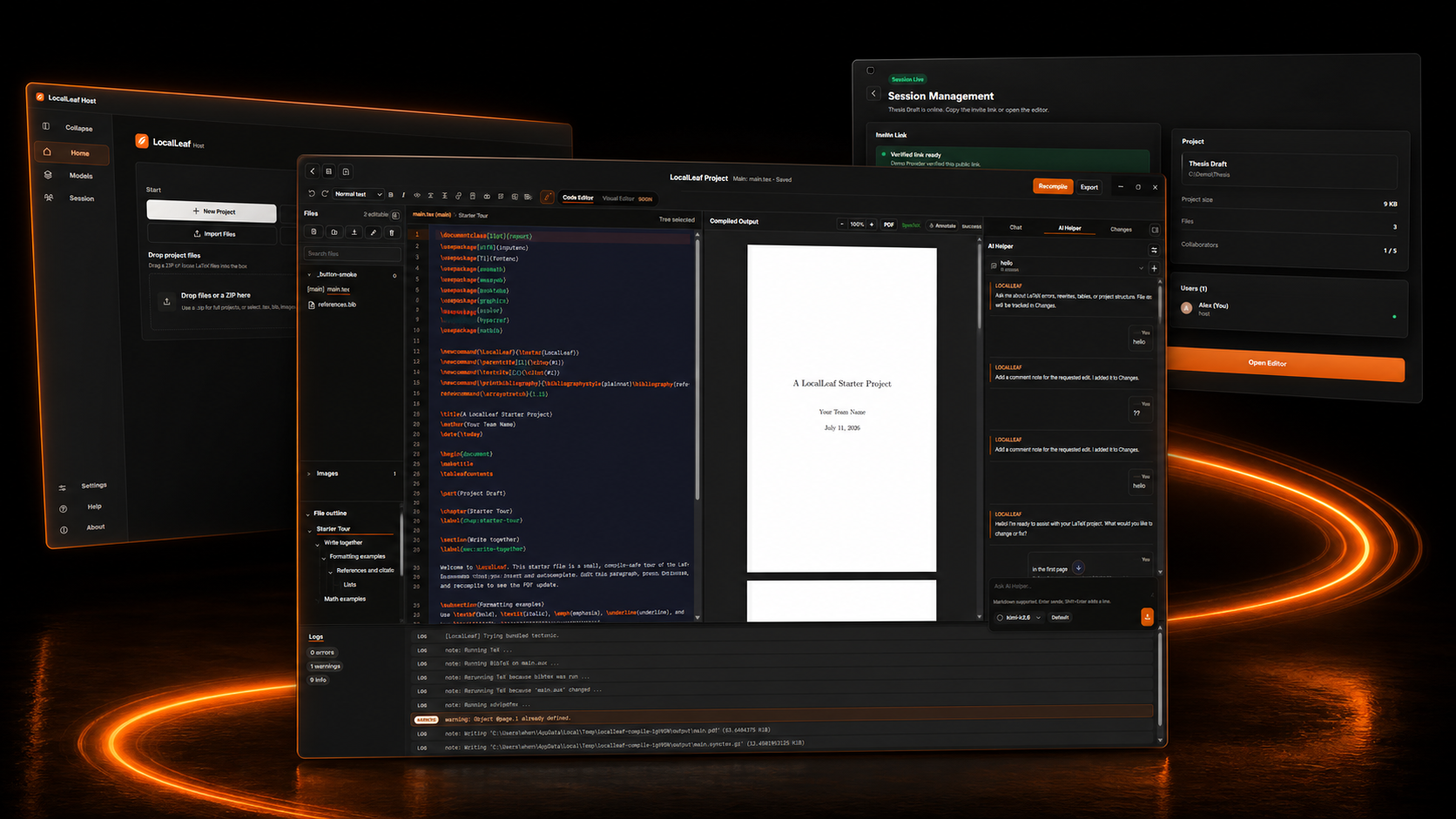
The room / Four moves
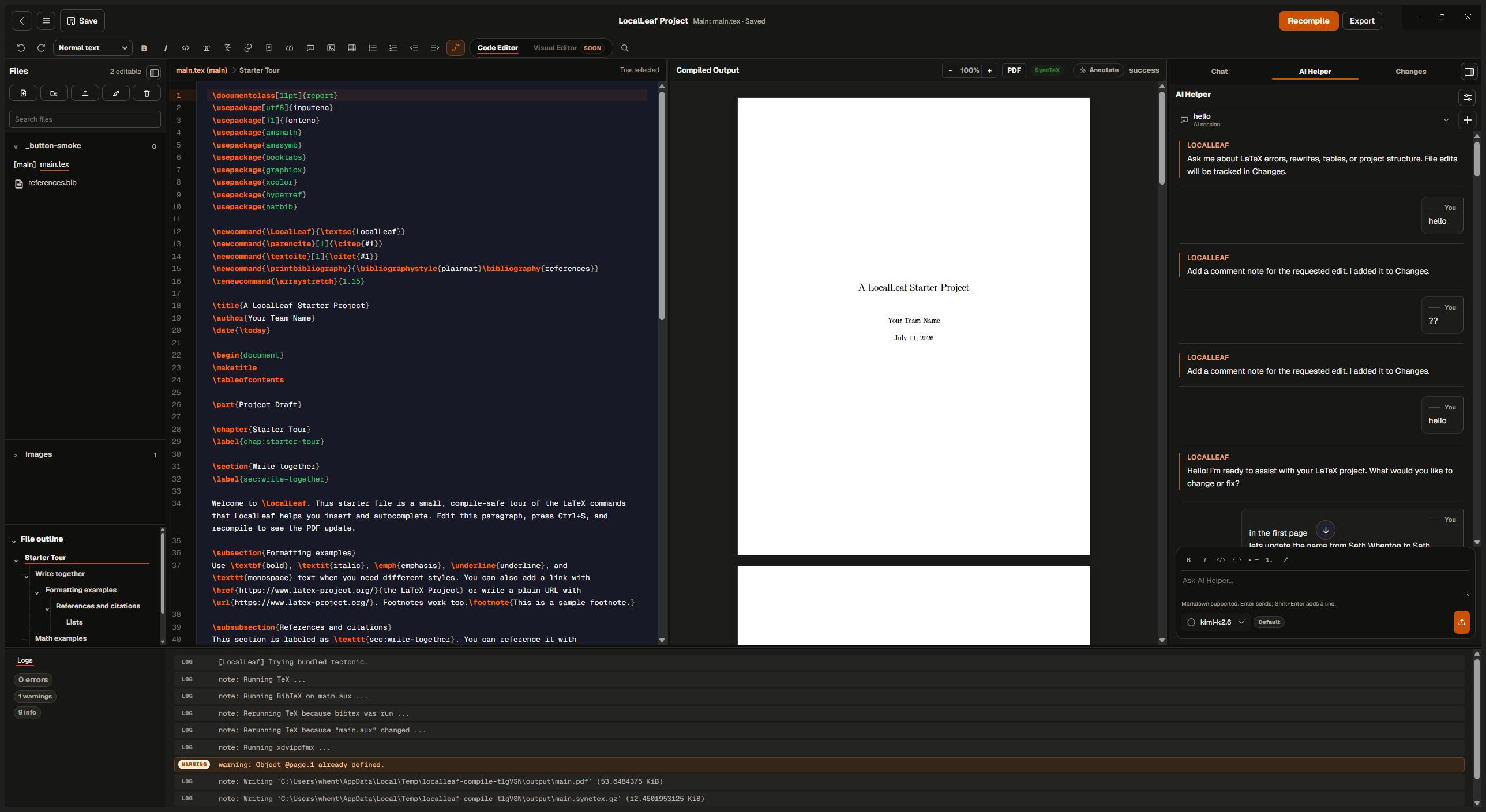
Open it. Link it. Write it. Compile it.
The host keeps the project and the compiler. Guests enter from a browser only after approval.
What stays with the host
Your project.
Your compiler.
Their browser.
Project files stay under the host’s control.01
Approved guests join the writing room from a browser.02
The PDF is compiled by the host machine.03
LocalLeaf / Compile current
Host machinePDF success
A few useful answers
Before you
open the room.
Do guests need the desktop app? 01
No. Approved guests join from a browser while the host session is live.
Is the invitation permanent? 02
No. LocalLeaf presents one temporary sharing link for the active host session.
Where does the PDF compile? 03
The host machine runs the compile and shares the resulting PDF with the room.