A writing room for serious documents.
Host the LaTeX project. Approve browser guests. Compile on your machine.
Open the app
 Host the project
Approve the room
Compile locally
Host the project
Approve the room
Compile locally
The premise
Good writing needs focus. Shared writing needs a clear host.
You host. You approve. You compile.
LocalLeaf brings people into your project without turning the document into someone else's workspace. You decide when the room opens and when it ends.
One focused place to write, talk, and compile.
The files, source, PDF, people, and messages stay in one working view.
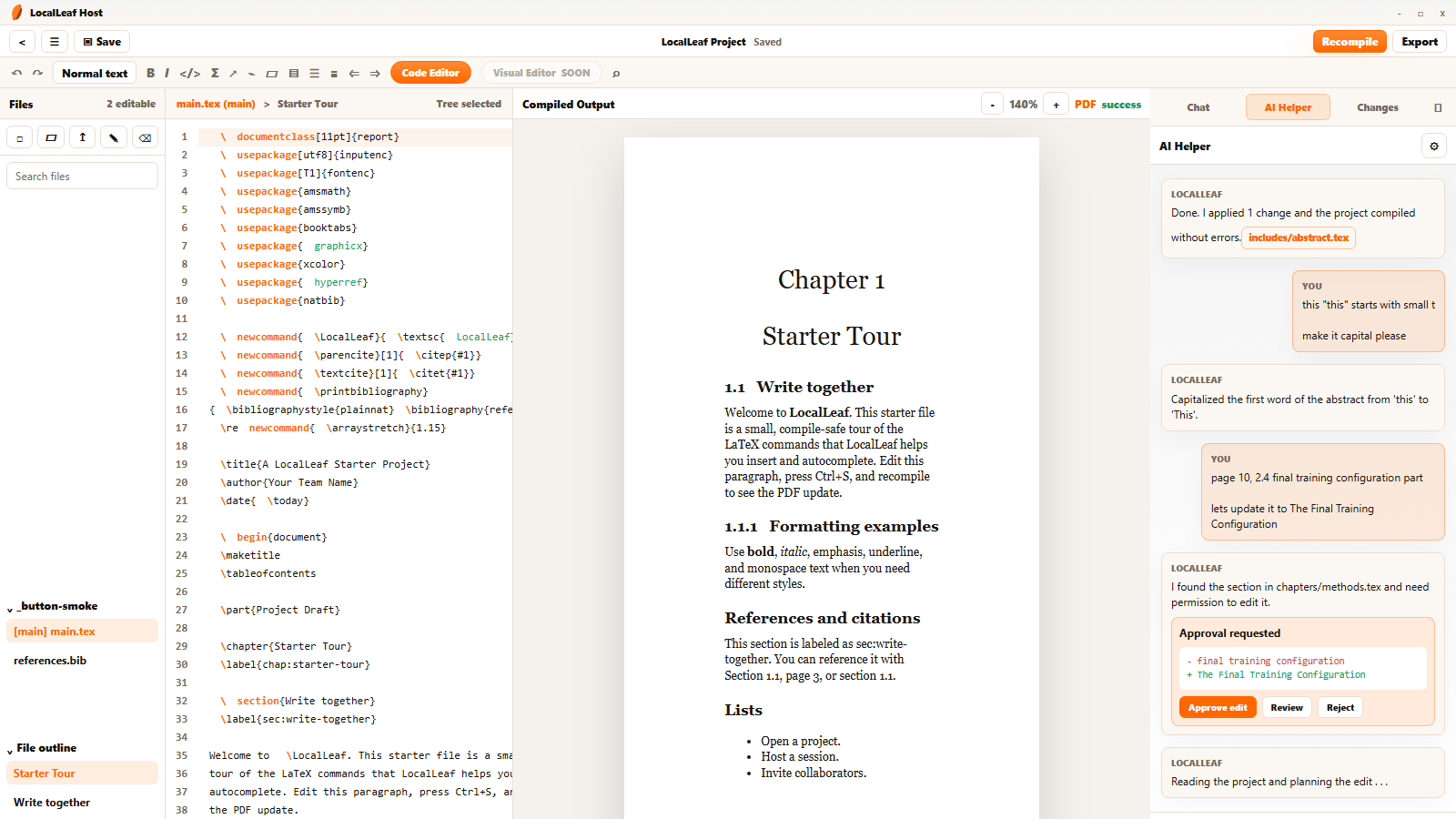
- 01 Project files
- 02 LaTeX editor
- 03 Compiled output
- 04 Chat and people
How it works
Three decisions. The host keeps each one.
Choose a folder, import files, or begin with a small starter project.
Select a word above to walk through the room.
Temporary by design
One link.
One room.
Stop it when you're done.
Every room has a single temporary link. Guests request access. The host decides who enters.
People with the link can request to join.
- Start roomThe temporary link appears.
- Review guestsApprove each browser request.
- Stop roomThe link and room access end.

Ideas move faster when the room is right.
Focused tools. Clear roles. Real-time messages. One host-owned project.
A small room with clear boundaries.
- Hosting
- The host owns the project and runs the room on the host machine.
- Guests
- Guests request access, then join in a browser after host approval.
- Editing
- Approved participants work in the same project files and built-in chat.
- Compile
- LaTeX compiles locally on the host machine.
- Export
- Export the finished work when it is ready.
- Room lifecycle
- Start when needed. Stop the room when the work is done.
Ready when you are.
Open the desktop app, choose a project, and start the room.